
Welcome aboard
How to use Yardit
Yardit helps you find nearby sales, plan your route, and share your own sale with local shoppers. Here’s the quick tour.
Discover nearby sales
Start on the map to see yard sales and neighborhood events around you. Use search and filters whenever you want to narrow things down.
Tap pins for details
Open any map pin or list item to view photos, descriptions, sale times, and the address so you know exactly what to expect.
Build your hunt
Found a sale you like? Add it to your Hunt list and Yardit will help you plan a smoother route for your day of yard sailing.
Check in as you go
When you arrive near a sale on your Hunt list, check in, mark it complete when you’re done, and move on to the next stop.
Post your own sale
Ready to clear out some clutter? Use Post Sale to add photos, describe what shoppers can find, and set your sale dates.
Choose your visibility
Pick the listing option that fits your goal, from a simple free listing to upgraded visibility that helps more shoppers find you.
Map guide
How listings appear on the map
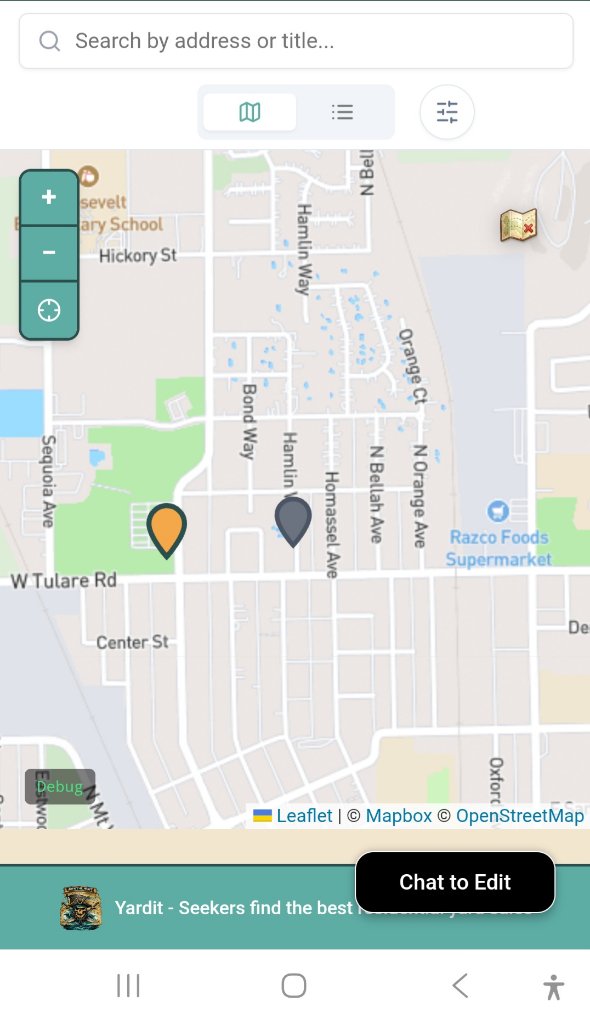
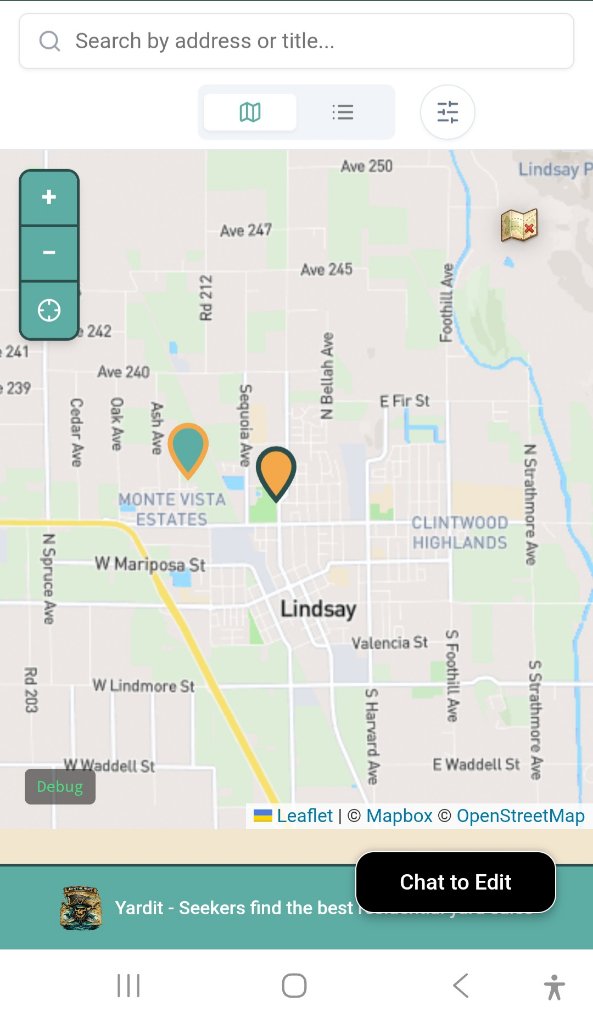
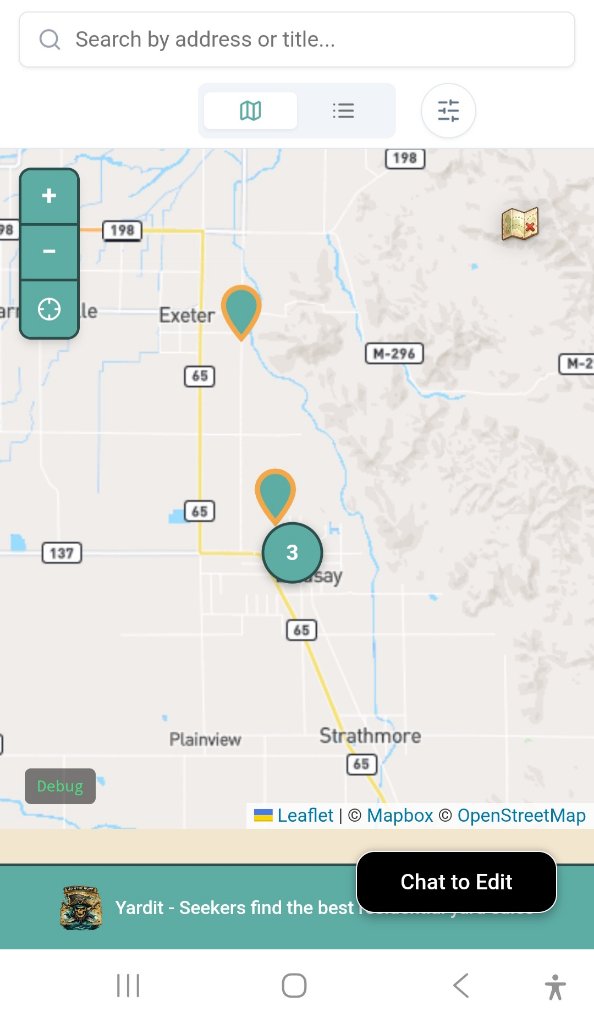
Different listing options use different map styles so shoppers can quickly spot what’s nearby.
Free Listing
Featured Listing
Premium Listing
Ready to start exploring?
You can come back to this guide anytime from the question mark in the navigation bar.